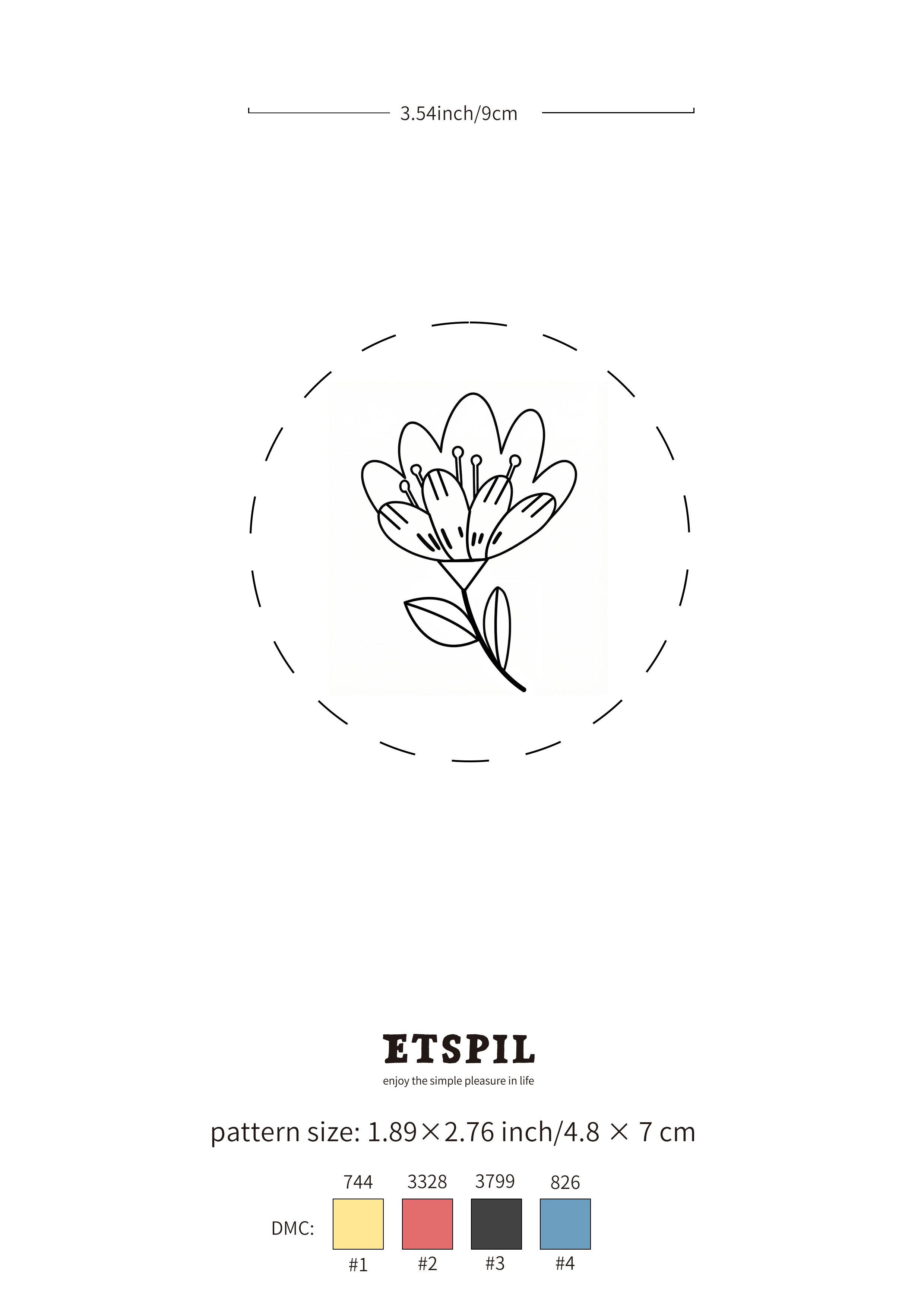
Full-size line art
The whole design on a single A4 page at 2480 × 3508 px, so it stays sharp when you print it at 100%.
 enjoy the simple pleasure in life
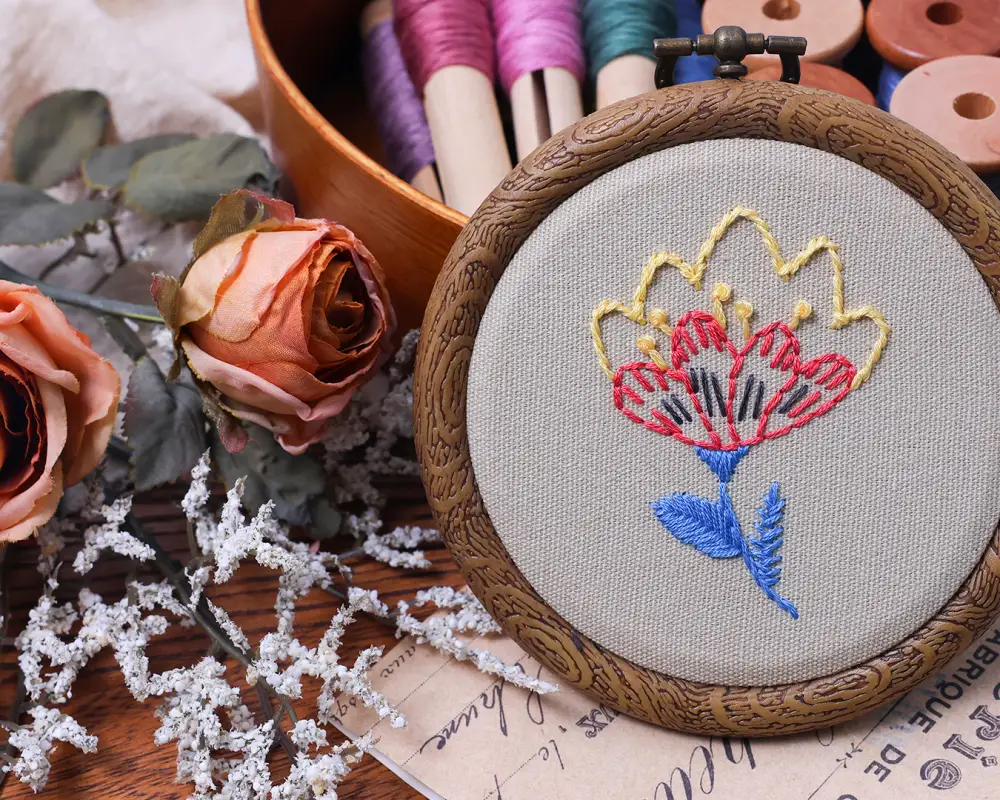
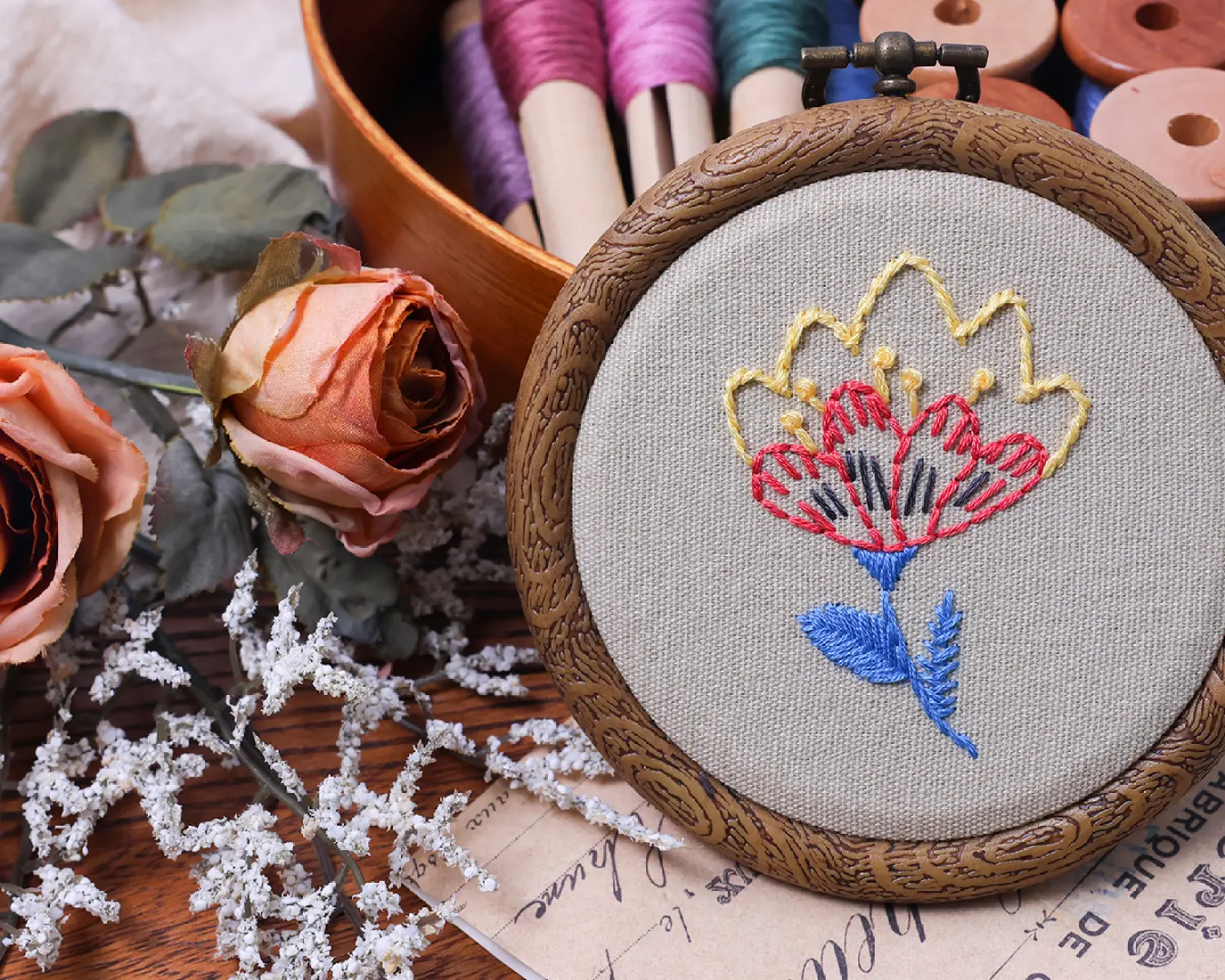
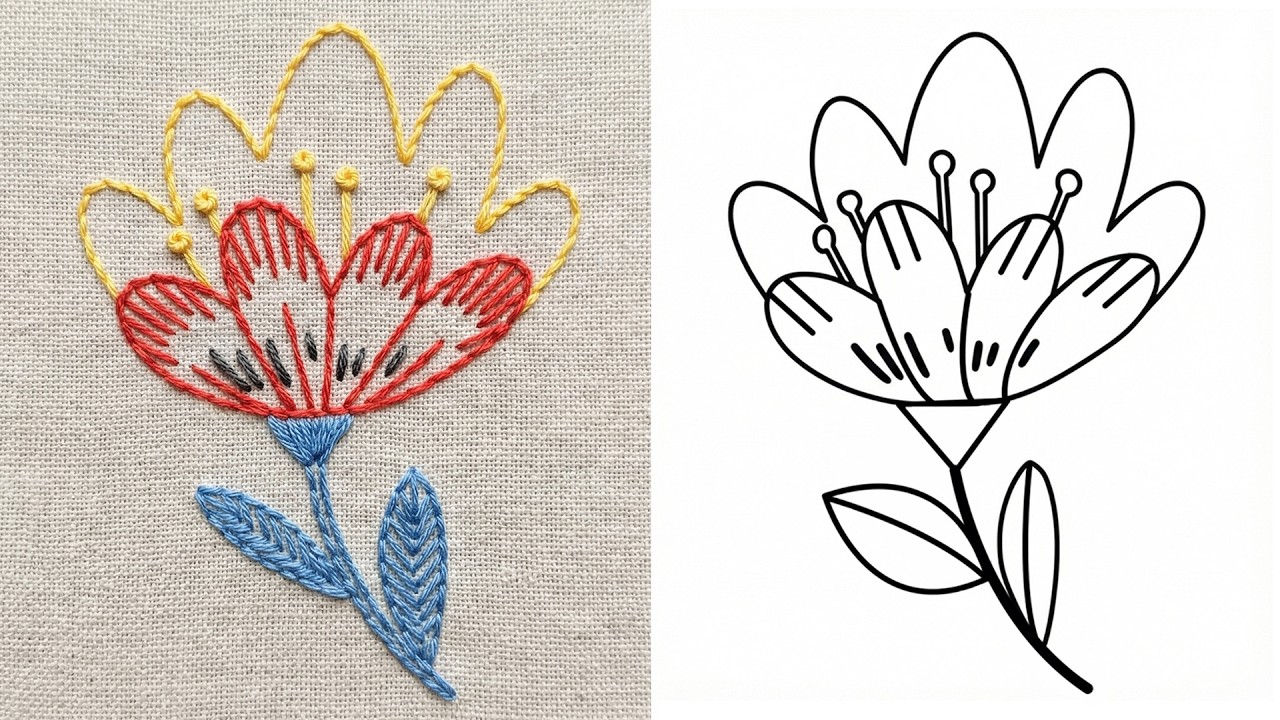
Hand embroidery finished sample · Single Flower Stem · stitched in a hoop
Pattern L044
A single flower stem design from the ETSPIL studio, drawn as clean line art you can stitch in almost any colourway. The sheet prints on one A4 page at 100% and already carries the pattern size and DMC colour list.
JPG, 300 dpi. Print at 100% (do not use “fit to page”) so the pattern keeps its real size. Free for personal use.
About this design
One flower on a long stem with two leaves — the smallest design in the library, and the one to use when you want to practise a single bloom before committing to a full bouquet.
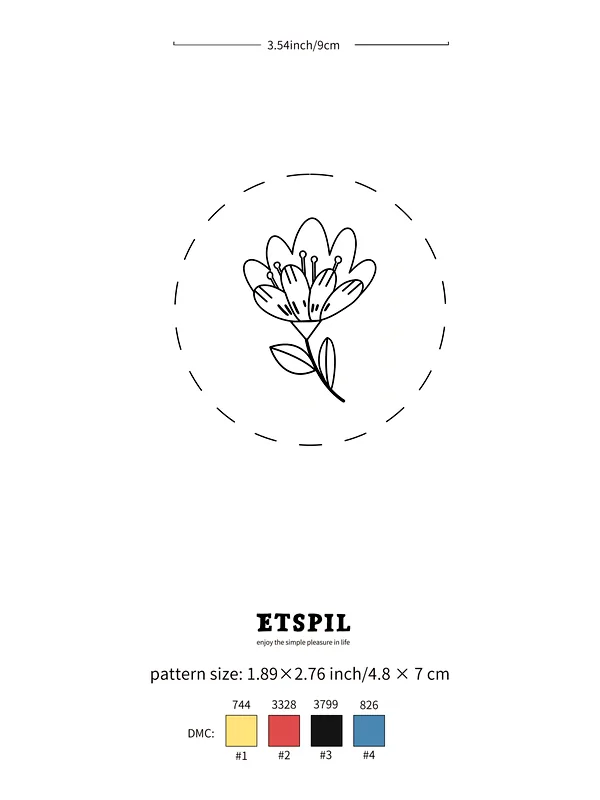
The pattern sheet
The finished hoop above was stitched from this sheet. Print the file at 100% and the design comes out at its real size — the sheet already carries the pattern dimensions and the DMC colour numbers, so there is nothing to work out before you start.
How to stitch it
Video: 7 Basic Embroidery Stitches | Small Flower Tutorial for Beginners (Easy!)
| Jump to | Stitch | Used for |
|---|---|---|
| 00:20 | embroidery pattern transfer | — |
| 01:28 | stem stitch tutorial | — |
| 02:00 | back stitch tutorial | — |
| 02:24 | straight stitch tutorial | — |
| 02:56 | pistil stitch tutorial | — |
| 03:18 | satin stitch tutorial | — |
| 03:41 | fishbone stitch tutorial | — |
| 04:03 | open fishbone stitch tutorial | — |
What you get
The whole design on a single A4 page at 2480 × 3508 px, so it stays sharp when you print it at 100%.
Pattern dimensions and the DMC colour numbers are printed on the sheet — no guessing which threads to buy.
Print it as often as you like for your own projects. No sign-up, no email, no watermark over the artwork.
Common questions
No. The design uses 7 stitches — stem stitch tutorial, back stitch tutorial, straight stitch tutorial, pistil stitch tutorial, satin stitch tutorial, fishbone stitch tutorial and open fishbone stitch tutorial — and the video works through each one from the first loop.
Yes — it runs 3:17 and is split into 8 timestamped chapters, listed above. Each chapter jumps straight to the part of the video where that stitch is worked.
This page is the free A4 pattern only. ETSPIL kits ship a design pre-printed on the fabric with threads, hoop and a bound manual, so there is nothing to transfer — the kit range sits on our Amazon storefront.
More free patterns
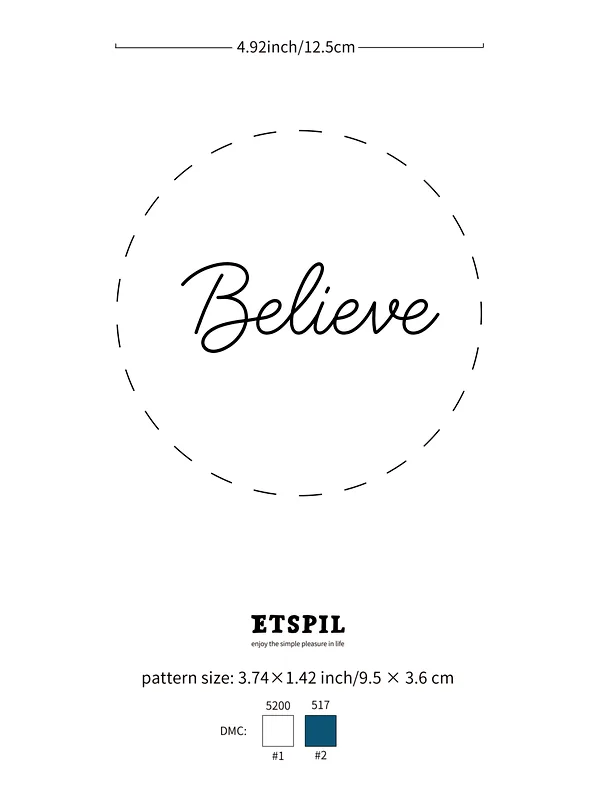
L045
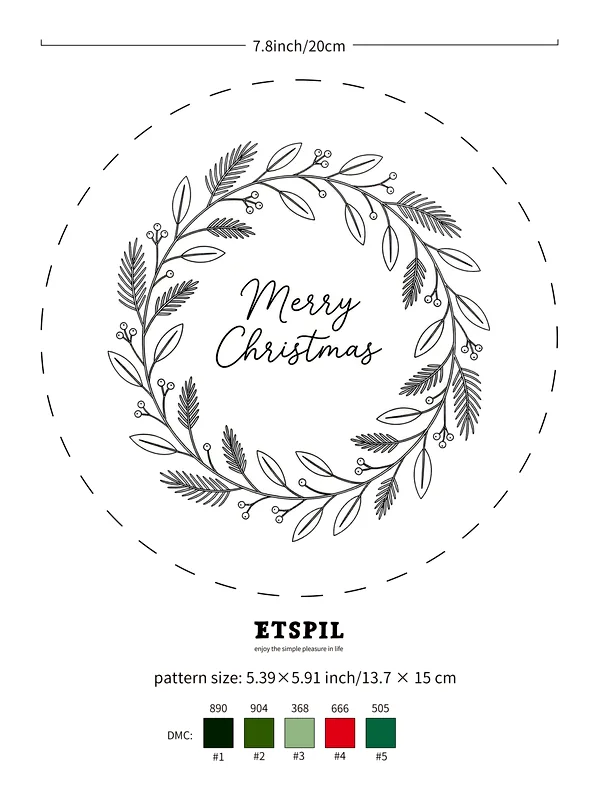
L046
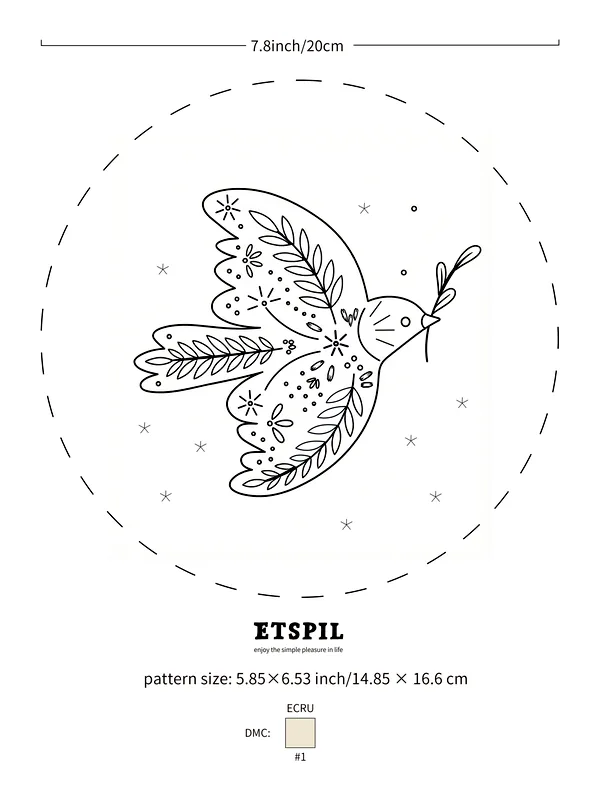
L047
Prefer a kit?
Every ETSPIL kit ships the design already printed on the fabric, with the threads, hoop and a bound manual — plus the same step-by-step videos you just watched. If you would rather not transfer a pattern at all, that is the version to start with.
Search ETSPIL on Amazon to see the current range of beginner kits.